
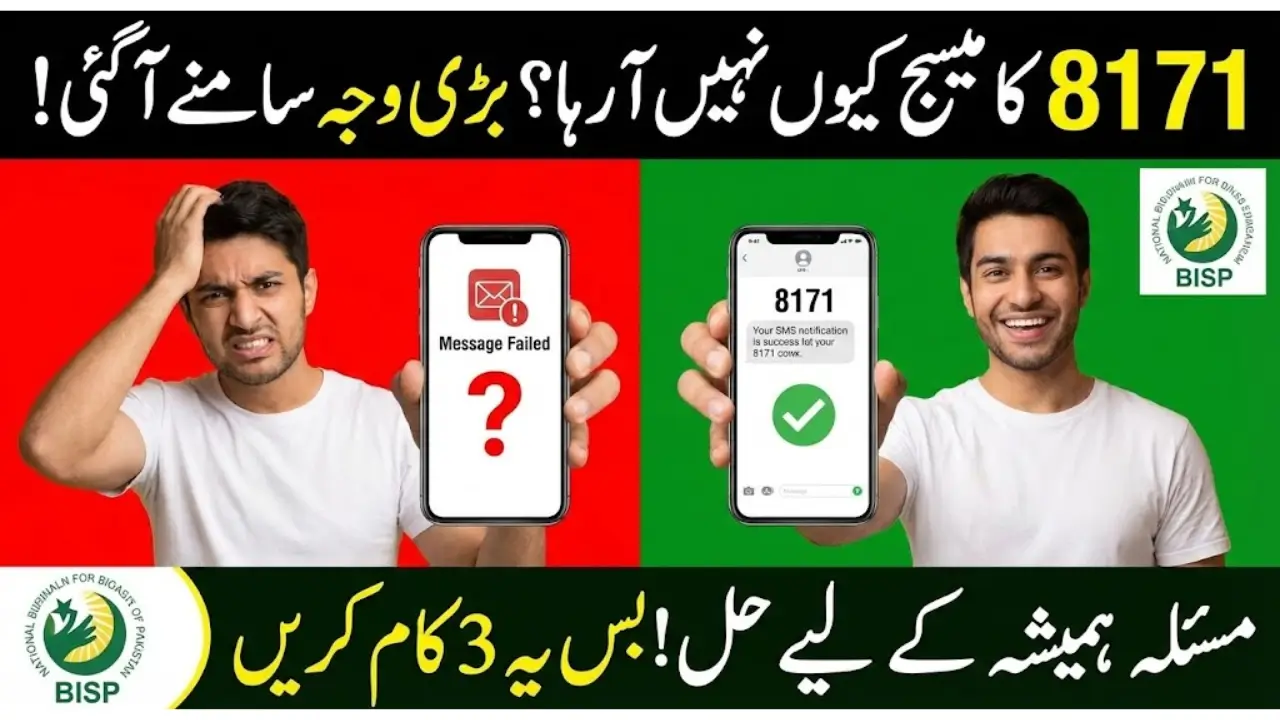
BISP 8171 SMS Is Not Received
BISP 8171 SMS Is Not Received. If you are a BISP beneficiary in Pakistan and waiting for an 8171 SMS that never arrived, you are not alone. This message is crucial because it informs beneficiaries about payment status, installment disbursement, and verification updates.
BISP ka 8171 SMS receive karna ab mushkil nahi rahega agar yeh steps follow karein.
What Is the BISP 8171 SMS and Why It Matters
The BISP 8171 SMS is sent by the Benazir Income Support Programme (BISP) to notify beneficiaries about:
- Payment date and amount
- Verification updates
- Next steps for beneficiaries
Receiving this SMS ensures that you are informed about your entitlement and can take necessary actions without delay.
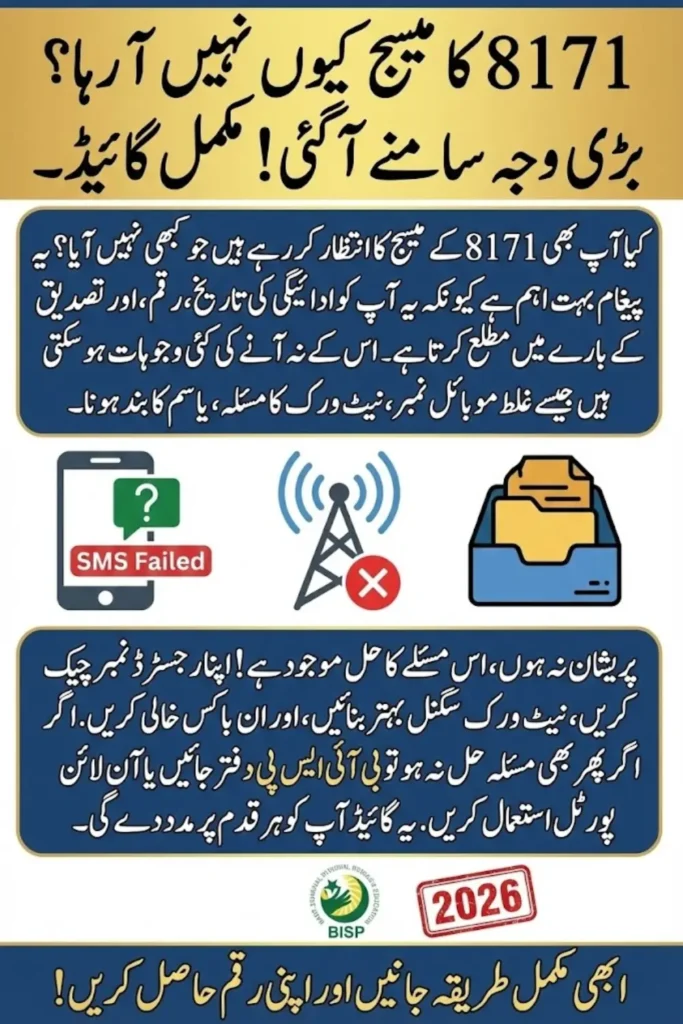
Common Reasons Why BISP 8171 SMS Is Not Received
There are several reasons why you might not receive the SMS from 8171:
1. Incorrect or Unregistered Mobile Number
If the mobile number registered with BISP is wrong or outdated, the SMS will not reach you.
2. Network Issues
Poor network coverage or temporary mobile outages can prevent SMS delivery.
3. Full SMS Inbox
If your phone’s message inbox is full, new SMS notifications cannot be received.
4. Blocked or Lost SIM
A blocked, expired, or lost SIM will stop messages from reaching you.
5. BISP Server Delays
Sometimes the BISP system experiences delays, causing late delivery of SMS notifications.
Step-by-Step Guide to Fix BISP 8171 SMS Not Received
Step 1: Verify Your Registered Phone Number
Contact the BISP helpline or visit your nearest BISP office to confirm the mobile number registered in your profile. Ensure that the number is active and belongs to you.
Step 2: Check Your Network and Phone Settings
Ensure that you have strong network coverage. Restart your phone and try switching networks if necessary.
Step 3: Clear Your SMS Inbox
Delete old messages to free up space and allow new messages to arrive. You can send yourself a test SMS to confirm delivery.
Step 4: Visit a BISP Registration Center
If issues persist, visit your nearest BISP center with your CNIC to update or re-register your mobile number.
Step 5: Use the BISP Online Portal
BISP’s online portal allows you to check your payment status and updates without relying on SMS. Simply enter your CNIC to view the latest information.
Quick Reference Table: SMS Problems & Solutions
| Problem | Possible Cause | Solution |
| SMS not received | Wrong number | Update number at BISP office |
| SMS delayed | Network or server issue | Retry after some time |
| Inbox full | Phone storage issue | Delete old messages |
| Payment details missing | Not registered for alerts | Register at BISP center |
| SMS unclear | Formatting or technical issue | Contact BISP helpline |
Tips to Ensure Timely BISP SMS Delivery
- Keep your mobile number updated at BISP.
- Ensure SIM is active and has balance.
- Stay in areas with good network coverage.
- Regularly clear your SMS inbox to receive new messages.
Frequently Asked Questions (FAQs)
1. Why didn’t I get the 8171 SMS even though I am eligible?
Eligible beneficiaries may not receive the SMS if their contact information is outdated or if there is a delay in the BISP system.
2. How long does it take to receive the 8171 SMS?
Usually, it is sent within a few days of processing your payment. If delayed, contact BISP support.
3. Can I check my payment status without the SMS?
Yes, you can check your status online using your CNIC on the official BISP portal.
4. What should I do if my registered number is wrong?
Visit the nearest BISP office to update your number immediately.
5. Is there any charge for receiving BISP SMS?
No, receiving messages from 8171 is free for all BISP beneficiaries in Pakistan.
Conclusion: Stay Updated With BISP 8171 SMS
Not receiving the BISP 8171 SMS Is Not Received can be frustrating, but by following these steps, you can ensure timely notifications about your payments and updates. Verifying your mobile number, maintaining a good network connection, and using the online portal are key steps to staying informed.
BISP ka 8171 SMS receive karna ab mushkil nahi rahega agar yeh steps follow karein.
BISP 8171 CNIC Reverification Q4 Installment: Complete Guide for 2026