

BISP 8171 Wallet Problem
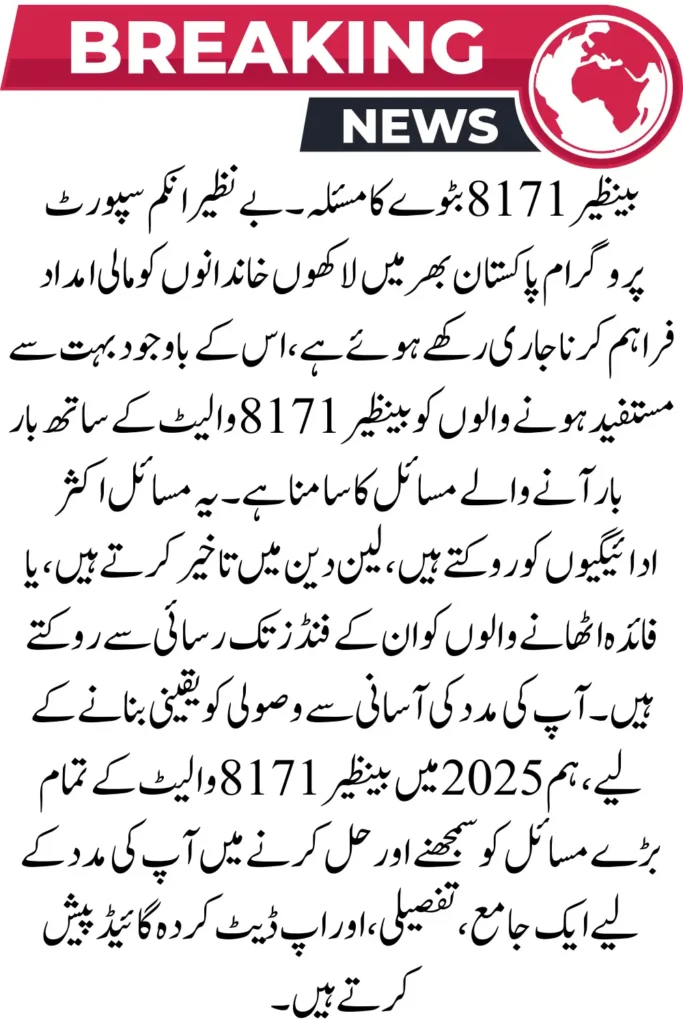
BISP 8171 Wallet Problem. The Benazir Income Support Programme continues to provide financial assistance to millions of families across Pakistan, yet many beneficiaries face recurring issues with the BISP 8171 Wallet. These issues often block payments, delay transactions, or prevent beneficiaries from accessing their funds. To ensure smooth receipt of your assistance, we present a comprehensive, detailed, and updated guide to help you understand and solve all major BISP 8171 wallet problems in 2025.
Understanding the BISP 8171 Wallet System
The BISP Wallet was designed to allow beneficiaries to securely receive, store, and withdraw payments digitally. Through this system, users can:
- Check their monthly payment status
- Receive alerts for new disbursements
- Withdraw funds from authorized centers
- Track payment history
- Update personal details when required
However, technical errors, account mismatches, biometric failures, and system outages can disrupt the wallet’s functionality.
Major BISP 8171 Wallet Problems and Their Exact Causes
1. Wallet Not Showing Payment Update
This is the most reported issue. The main reasons include:
- Payment cycle not yet released
- System refresh delay
- Verification pending
- CNIC mismatch in the system
- Server load due to high traffic
If the payment is not visible, it usually means the disbursement is still in process or your account needs re-verification.
2. Wallet Login Failure on 8171 Portal
Users are often unable to log in due to:
- Wrong CNIC entry
- Browser cache conflict
- Server outage on the BISP side
- Incorrect registered mobile number
The login failure usually resolves after refreshing the session or re-entering verified details.
3. Wallet Blocked or Suspended
The BISP system may block wallets if:
- Your CNIC expired
- Your household data was flagged during the Dynamic Survey
- Your SIM is not registered in your name
- Suspicious activity is detected
Reverification from the nearest BISP Tehsil Office immediately resolves this issue.
4. Biometric Verification Failure
Fingerprint mismatches occur due to:
- Rough or dry fingers
- Low-quality biometric devices
- Outdated NADRA records
If biometrics fail, beneficiaries can use the Nadra Verification Desk or obtain a “biometric exemption slip.
5. Payment Deduction or Unauthorized Charges
This happens due to:
- Local agent deductions
- Incorrect withdrawal methods
- Fraud messages or calls attempting to access wathe llet
BISP advises beneficiaries to avoid all unauthorized agents and use only government-approved centers.
6. OTP Not Received on Mobile Number
This issue occurs when:
- SIM is inactive
- Network coverage is weak
- Mobile number is not linked to your CNIC
BISP requires that all beneficiaries register a personal number for OTP verification.
7. Wallet Freezing During High Traffic
During peak hours, the digital system slows down due to overload. Payments may temporarily disappear or show “Pending Status.” This is normal and resolves within a few hours.
Step-by-Step Solutions to Fix All BISP 8171 Wallet Problems
1. Fix Wallet Not Showing Payment
Follow these steps:
- Wait 1–2 hours and refresh the 8171 portal
- Re-login after clearing the mobile browser cache
- Verify your CNIC again through 8171 SMS
- Check at an authorized BISP payment center
If still unresolved, visit the Tehsil Office.
2. Fix Wallet Login Issues
Try this:
- Use a different browser (Chrome recommended)
- Ensure mobile data or Wi-Fi connection is stable
- Re-enter your CNIC without spaces
- Restart your device
Most login issues are temporary and fix automatically.
3. Restore a Blocked BISP Wallet
To unblock your wallet:
- Visit the nearest BISP Tehsil Office
- Bring your valid CNIC
- Complete the dynamic survey
- Reverify your eligibility
Once verified, wallet access is restored instantly.
4. Solve Biometric Verification Errors
Use these tips:
- Wash and dry your fingers
- Try multiple fingerprint scanners
- Visit NADRA to update fingerprints
If fingerprints cannot be matched, BISP offers a biometric exemption.
5. Stop Unauthorized Deductions
To protect your funds:
- Do not accept help from private agents
- Withdraw only from BISP-authorized centers
- Report any deduction on the BISP helpline 0800-26477
Beneficiaries can receive a refund of their deducted amount after verification.
6. Fix OTP Not Received Issue
Try the following:
- Insert SIM in slot 1
- Restart mobile
- Contact your network provider
- Update your mobile number at the BISP office
A verified number ensures smooth wallet operations.
How to Check Your Wallet Status Through 8171 (2025 Updated Method)
To check payment:
- Open the official 8171 web portal
- Enter your 13-digit CNIC number
- Enter the captcha code
- Press “Submit”
- Your updated payment and wallet details will appear
For SMS confirmation, send your CNIC to 8171.
Prevent Future BISP 8171 Wallet Problems
Use these preventive measures:
- Keep your CNIC updated
- Link your personal SIM to your CNIC
- Check the 8171 portal only through official links
- Avoid third-party agents or apps
- Update household data on time
- Keep your fingerprint record updated with NADRA
These steps ensure smooth access to payments without disruptions.
When to Visit a BISP Tehsil Office?
You must visit the BISP office if:
- Wallet shows “Blocked.”
- Biometric verification fails 3 times
- CNIC is expired
- A dynamic survey requires renewal
- Payment shows “Held” or “Stopped.”
BISP staff will provide immediate assistance for all wallet issues.
Final Words
The BISP 8171 Wallet Problem is a reliable system; however, technical errors and verification mismatches can cause issues. By following the detailed steps above, beneficiaries can resolve all wallet-related issues and ensure the timely receipt of their financial assistance. Staying updated, using official channels, and maintaining accurate information is the key to preventing future problems.
8171 Payment Location 2025 – Find Your Nearest BISP Center Instantly