
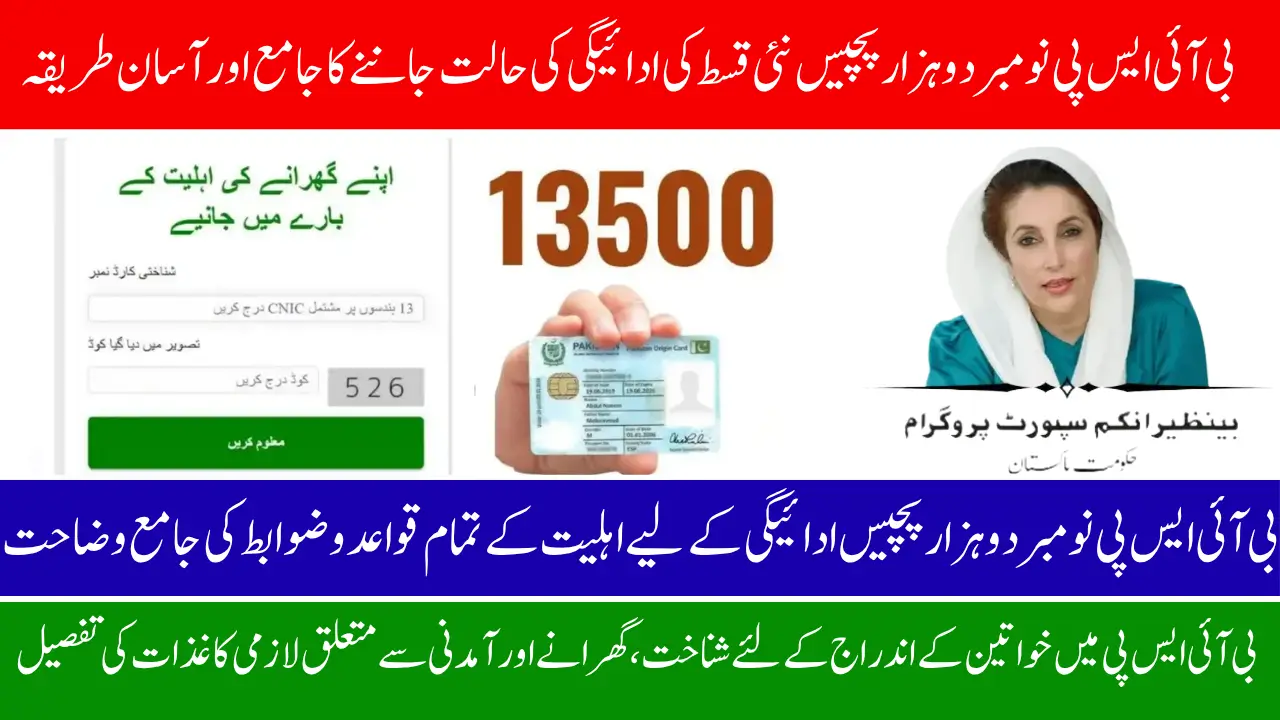
BISP November 2025 Payment Status
BISP November 2025 Payment Status. The Benazir Income Support Programme has officially begun releasing the November 2025 BISP installment of Rs. 13,500 across Pakistan. This new phase continues the shift toward a modern banking system where payments are delivered directly through Habib Bank Limited (HBL) and Bank Alfalah. By moving to a fully bank-based disbursement model, the government has strengthened transparency, safety, and accessibility for millions of families.
Instead of long lines at camp sites or dealing with middlemen, beneficiaries can now withdraw their assistance with dignity from bank counters, ATMs, and authorized agents. If you want to check whether your payment is approved, pending, or not eligible, or you want to understand the withdrawal steps, this complete guide will walk you through everything in simple, human language.
Who Is Eligible for the November 2025 BISP Payment?
Eligibility for the November installment depends on the updated BISP database and the dynamic survey system. Families who completed their survey and meet the poverty score criteria are added to the active list for this cycle.
If you have already received previous installments and your information was successfully re-verified, you should receive your funds normally. Those whose verification is incomplete may see a “pending” status until their records are updated.
The government has strengthened checks by reviewing NADRA records and cross-matching demographic details. If a family has an expired CNIC, missing documentation, or a mismatch in data, the payment may be delayed. Many delays are resolved simply by updating information at NADRA
Eligibility Checklist
You are likely eligible if:
- Your CNIC is valid and active in NADRA
- Your family completed the BISP dynamic survey
- Your PMT score meets the poverty criteria
- Your fingerprints were updated at NADRA (if requested)
- There is no duplicate CNIC or mismatched information in the system
How to Check Your BISP Payment Status
Checking your BISP payment status is simple and takes less than a minute. The official 8171 web portal is the safest and most accurate place to check your eligibility, payment status, and assigned bank.
Avoid using unofficial websites because they can share incorrect information or put your personal data at risk.
Steps to Check Your BISP Status
- Visit 8171.bisp.gov.pk
- Enter your CNIC number without dashes
- Enter the verification code
- View your eligibility, payment status, and assigned bank
- Save a screenshot or write down the result for future reference
If your status shows “approved” but funds are not visible at the bank, wait for system updates or ask the bank representative to confirm.
Which Bank Are You Assigned To?
Every beneficiary is automatically assigned to either HBL or Bank Alfalah, based on their region and system capacity. You cannot manually choose the bank, as the system distributes beneficiaries to ensure smooth service and reduce crowding.
Typical Bank Distribution
- HBL: Punjab, Islamabad, many central urban regions
- Bank Alfalah: Sindh, KP, Balochistan, and rural areas
If your assigned bank ever changes, the update will appear directly on your 8171 portal dashboard.
How to Withdraw BISP Payment from HBL
If you are assigned to HBL, you can withdraw your payment through HBL branches, HBL Konnect agents, or HBL ATMs. Every withdrawal requires biometric verification to make sure the right person gets the funds.
HBL Branch/Konnect Agent Withdrawal
- Visit your nearest HBL branch or Konnect agent
- Give your original CNIC for checking
- Verify your fingerprints
- Collect your full payment and printed receipt
- Count your cash before leaving the counter
HBL ATM Withdrawal
ATM withdrawal is a great option for privacy and convenience.
- Insert your CNIC into the ATM
- Verify your fingerprint
- Select the BISP withdrawal option
- Withdraw the amount and take the receipt
How to Withdraw BISP Payment from Bank Alfalah
Bank Alfalah offers payment through its branches and a strong rural agent network, making it easier for beneficiaries in remote areas to collect funds.
Bank Alfalah Withdrawal Steps
- Visit the nearest Bank Alfalah branch or authorized agent
- Provide your original CNIC
- Complete biometric verification
- Receive your Rs. 13,500 and the receipt
- Make sure there are no deductions
- Keep your CNIC and receipt safe
If any agent attempts to overcharge or deduct money, do not accept the payment. Report the issue immediately to BISP or the bank.
BISP Payment Channels Overview
| Payment Channel | Method | Time Required |
| HBL Beneficiary | Branch, Konnect agent, ATM | 10 to 30 minutes |
| Bank Alfalah Beneficiary | Branch or authorized agent | 15 to 45 minutes |
| Biometric Update Cases | NADRA update, then bank retry | 1 to 2 working days |
Biometric Verification and Troubleshooting
Biometric verification is essential for protecting beneficiary payments. But sometimes fingerprints may not match because of age, worn skin, dry hands, or device problems.
Here are simple solutions that usually fix the issue:
Biometric Failure Solutions
- Clean and dry your hands; avoid using lotion
- Try a second biometric device
- If the issue continues, visit NADRA for biometric re-verification
- Go back to the same bank point after updating your fingerprints
In busy rural areas, switching from a small agent shop to a main bank branch can also improve verification success.
Common Payment Issues and How to Fix Them
Some beneficiaries may see technical or system-related issues. Most of these problems resolve automatically, but having updated information always helps
8171 Web Portal November 2025 Update: Check Your BISP Payment & CNIC Status Online Now!
Common Fixes
- Pending status: Wait a day and check again
- No record found: Complete the dynamic survey
- Fingerprint failure: Refresh the biometric record at NADRA
- Wrong bank shown: Recheck the 8171 portal after system refresh
Official Support and Complaint Options
If your issue remains unresolved, help is available through official channels.
Where to Get Support
- BISP Helpline: 0800-26477
- Nearest Benazir Center
- Bank complaint desk at your assigned branch
- 8171 portal for reconfirmation of status
Always keep your CNIC and a screenshot of your payment status with you when visiting a support center.
Government’s Future Digital Plans
The government is preparing to expand the digital banking network of BISP even further. In 2026, more banks like UBL and Meezan Bank are expected to join the system. Plans for SIM-linked digital wallets and improved ATM services are also being tested, which will give beneficiaries faster access, fewer crowds, and greater financial independence.
Conclusion
The BISP November 2025 Payment Status marks another strong step toward a safer, more transparent welfare system. Beneficiaries can now easily check their payment status on the 8171 portal and withdraw funds directly from assigned banks, without relying on old campsite setups.
8171 Check Online 13500 New Installment For All Registered Families
To ensure a smooth experience, keep your CNIC updated, follow biometric requirements, and stay informed about your assigned bank. With awareness and proper documentation, every eligible beneficiary can receive their full payment safely and without stress.